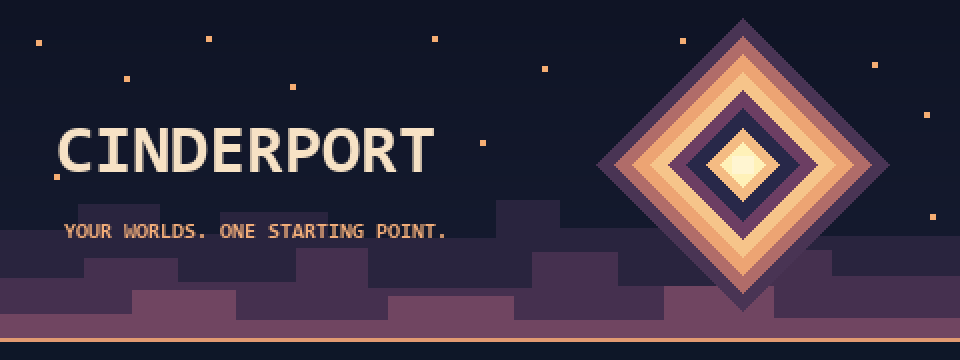
Cinderport
A downloadable launcher for Windows
Your worlds. One starting point.
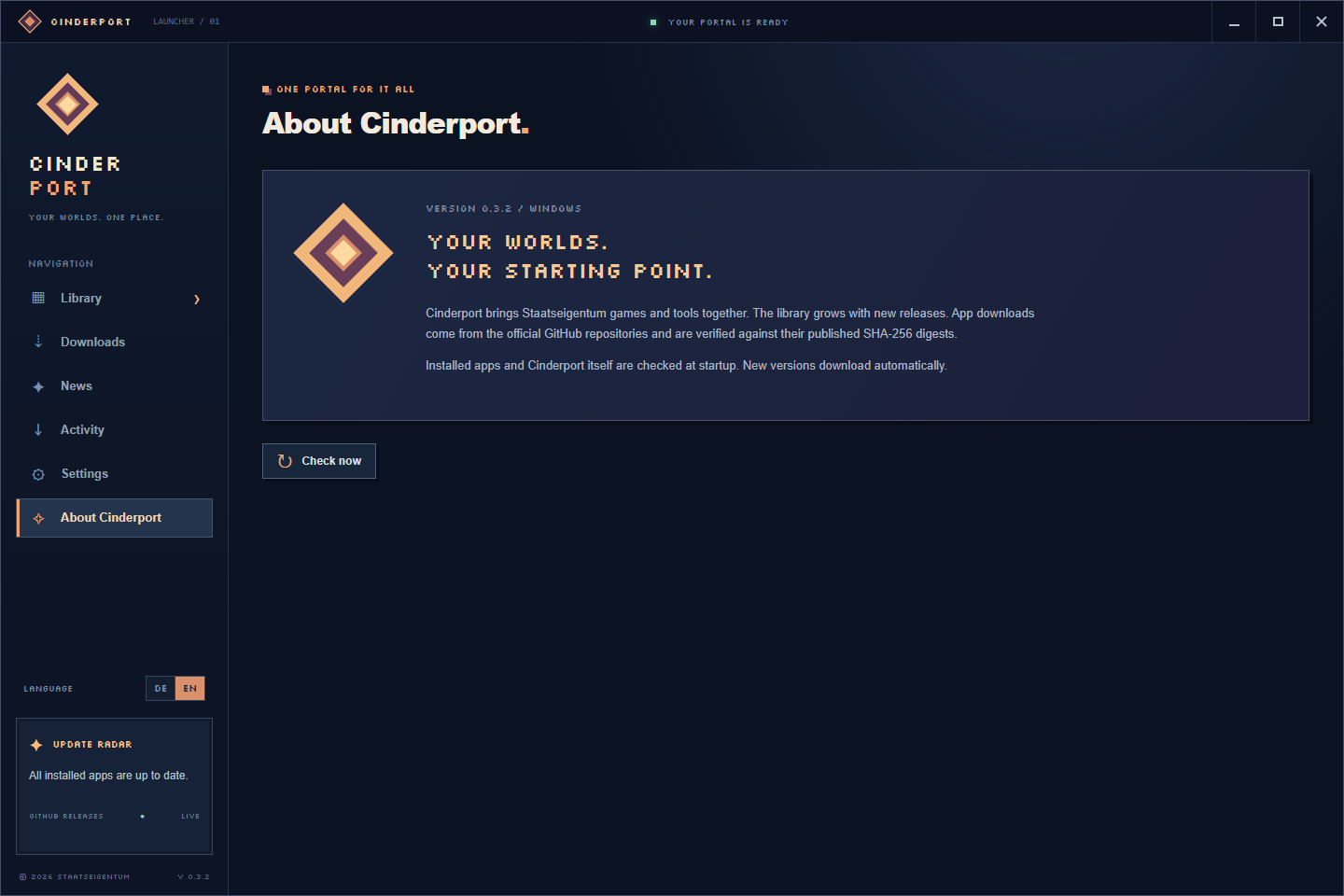
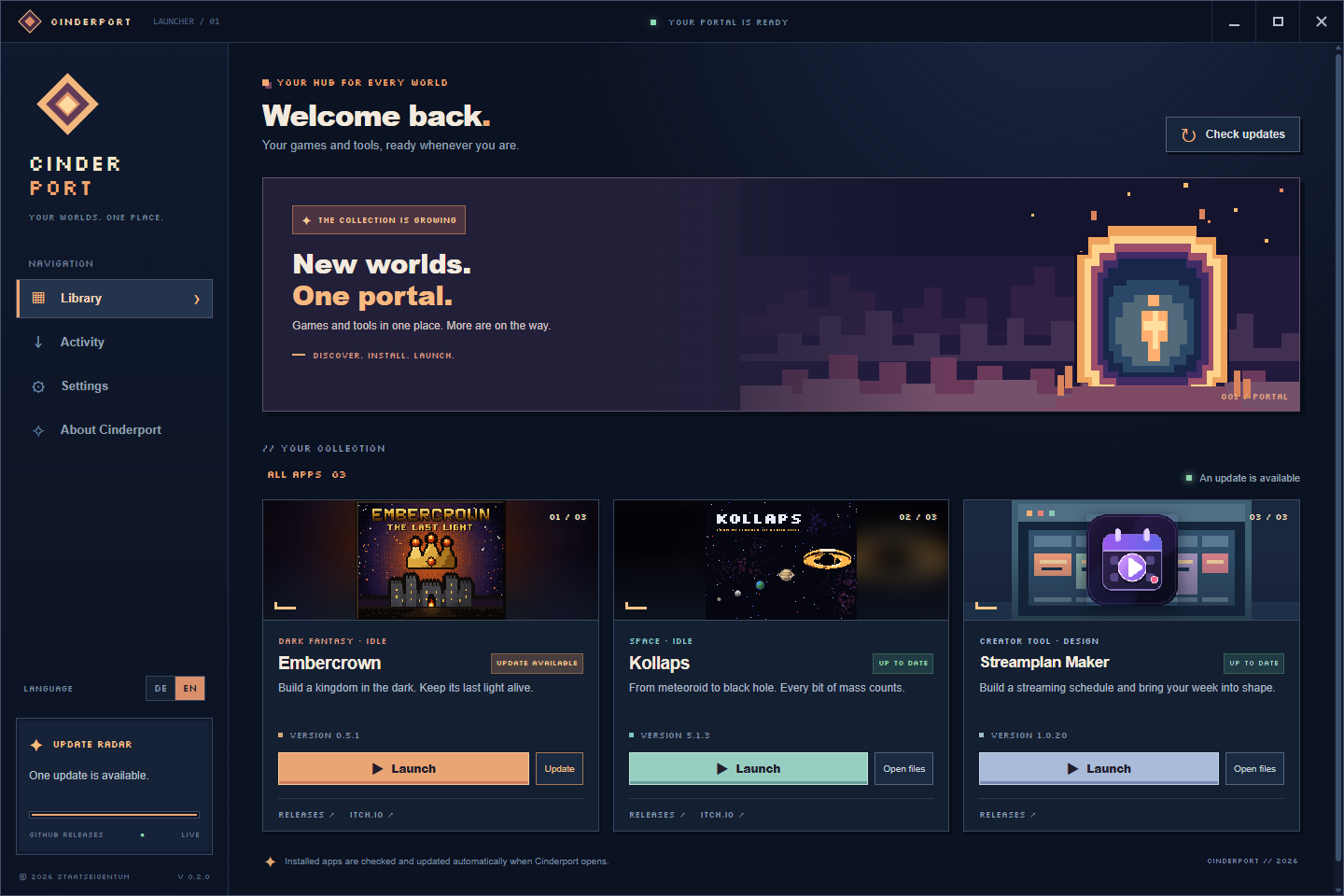
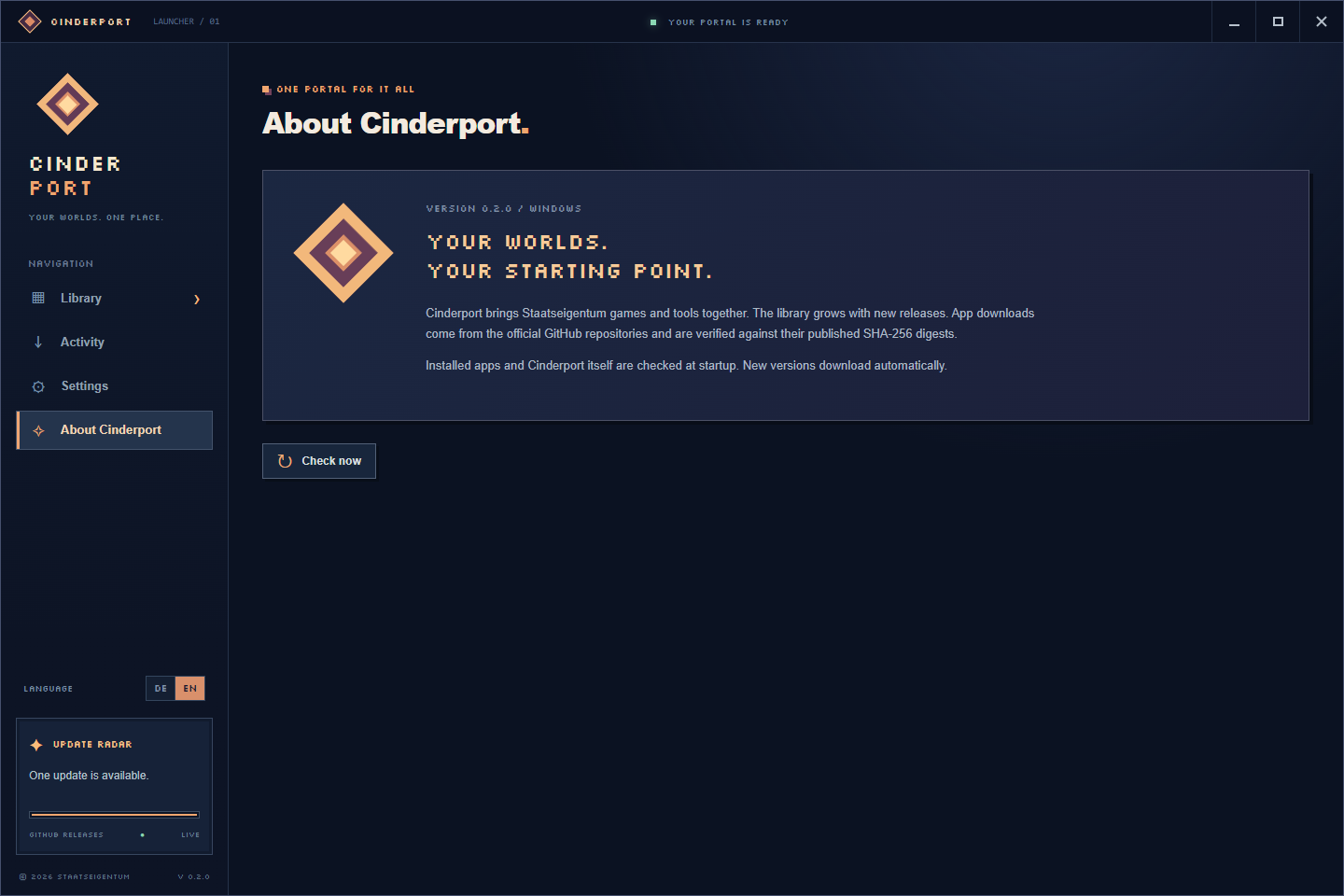
Cinderport is a growing pixel-art home for Staatseigentum games and creative tools. Discover a project, install it, and return to your whole collection from one place. The portal is ready for more worlds as new apps arrive.
Explore the collection
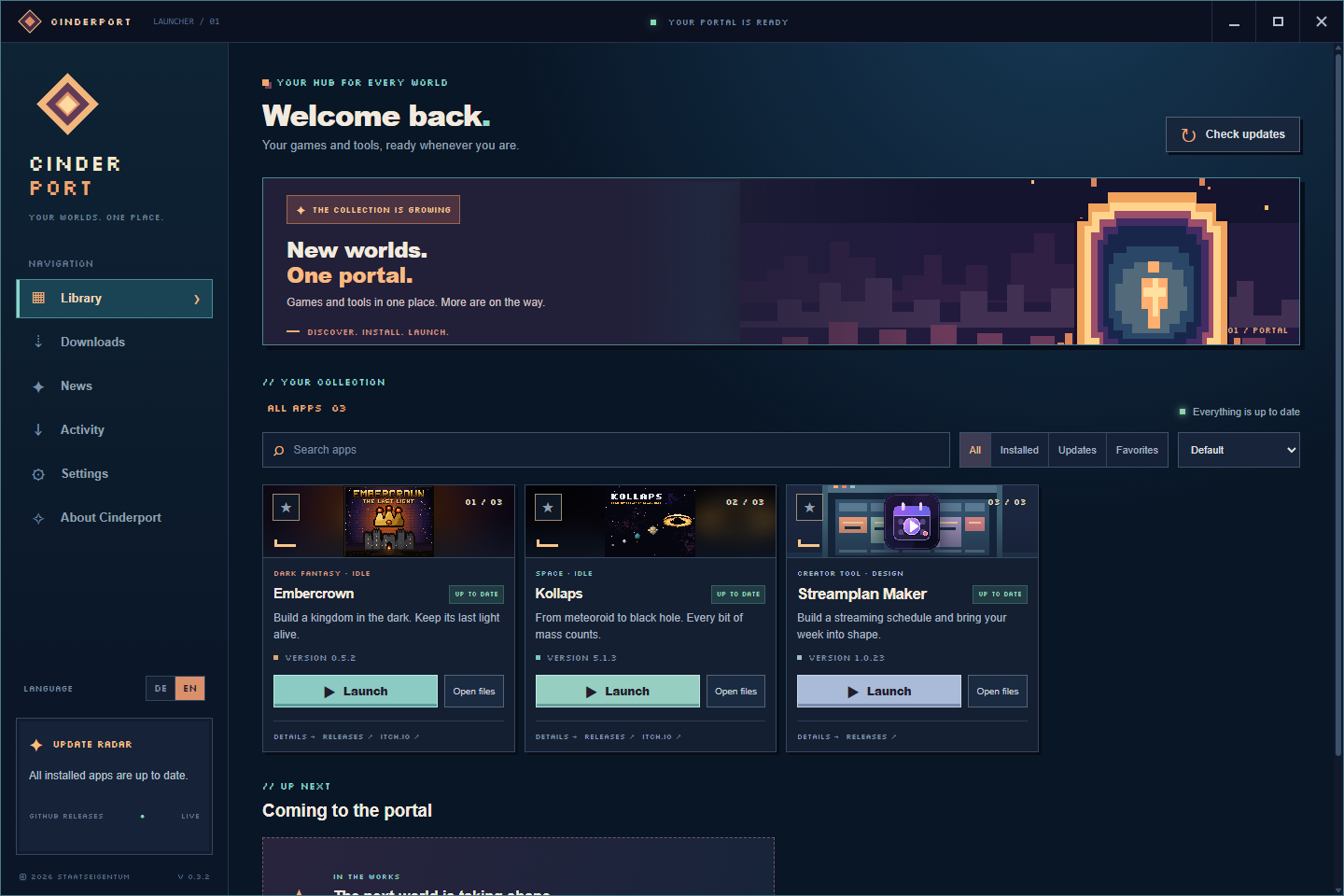
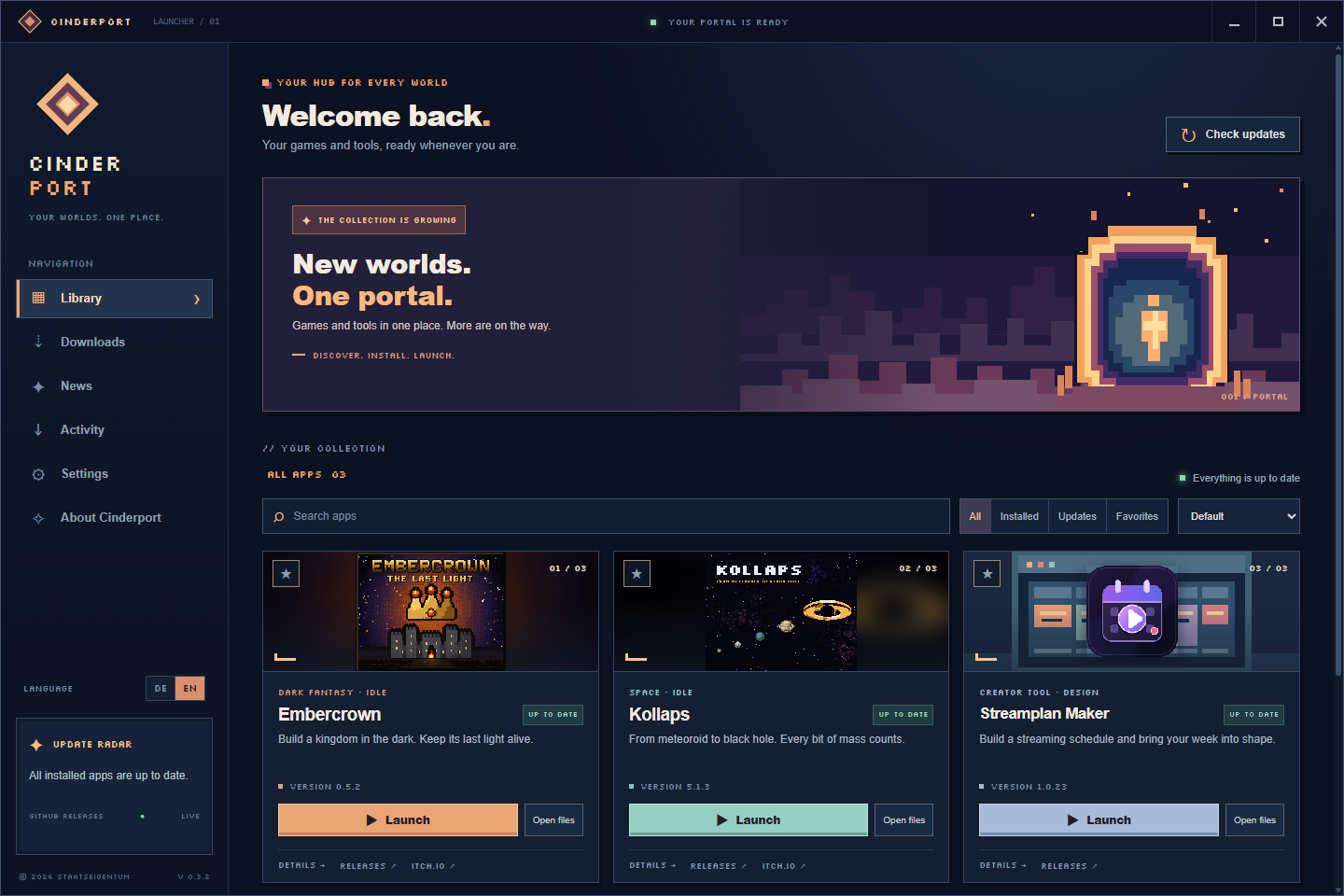
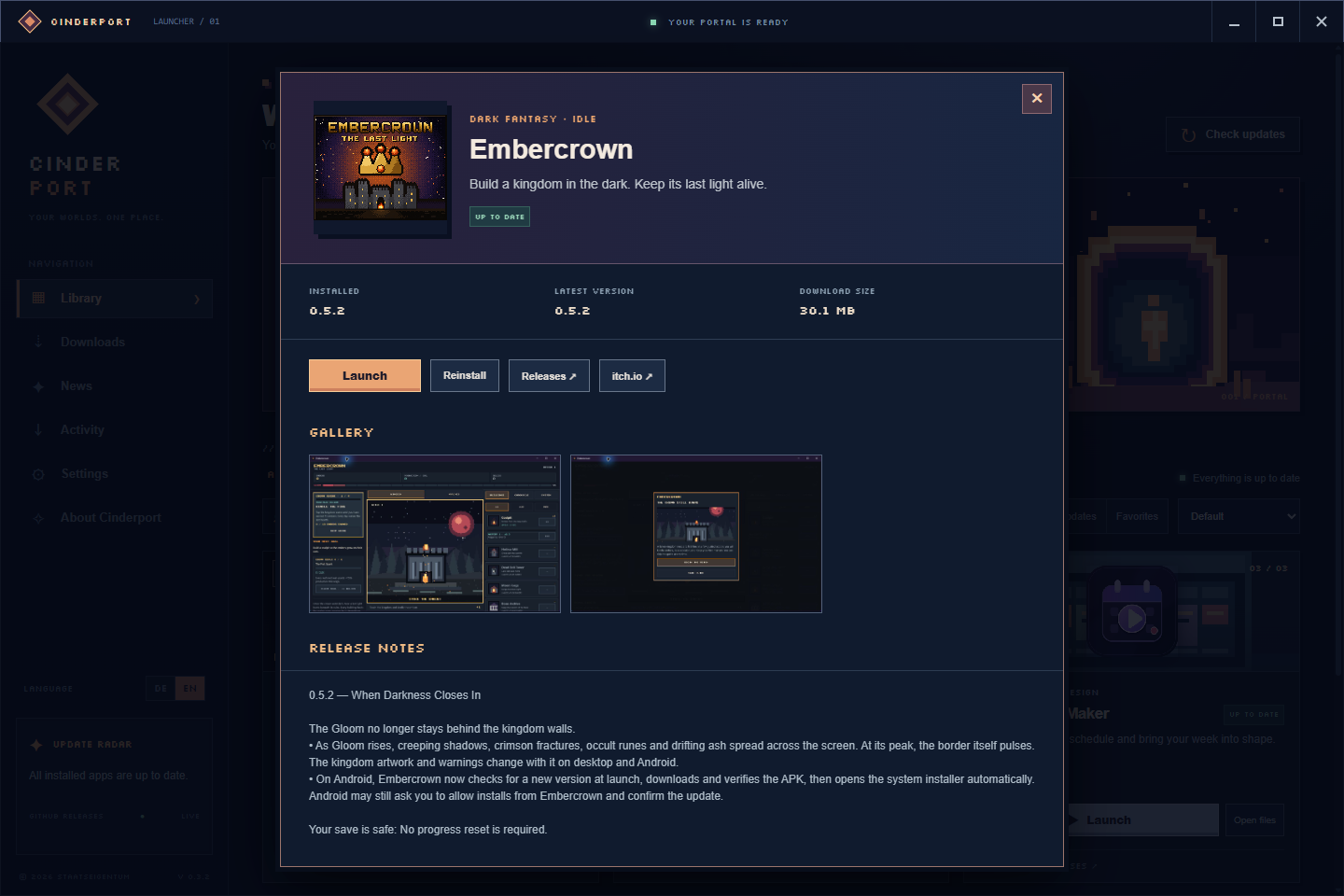
- Embercrown — keep the last light alive in a dark fantasy idle kingdom.
- Kollaps — travel from meteoroid to black hole in a space idle game.
- Streamplan Maker — create a streaming schedule with a dedicated design tool.
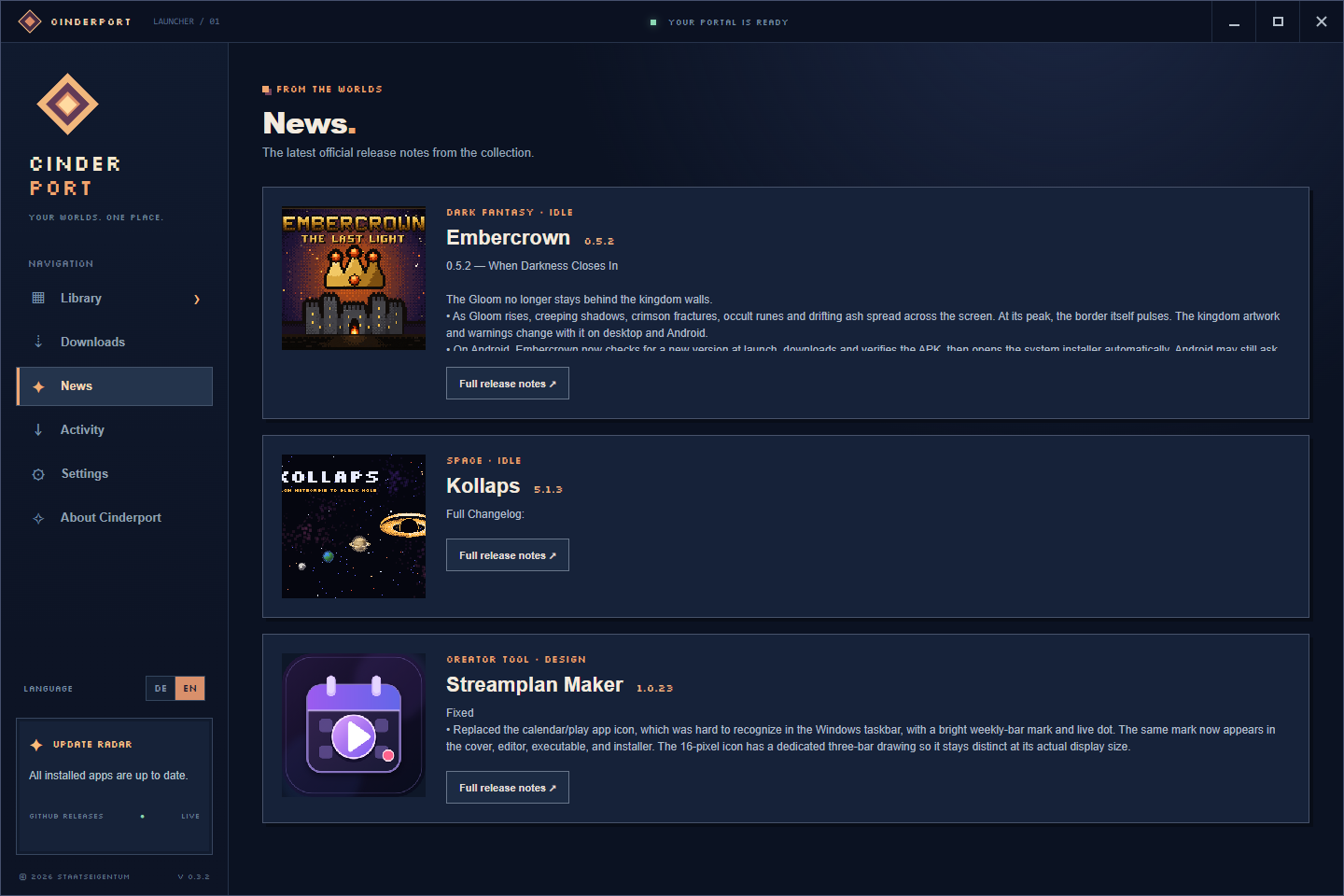
Browse release notes and screenshots for each app, follow official news, and see what is coming next.
Install, update, launch
- Install supported apps from their official GitHub Releases. Downloads are checked against published SHA-256 digests.
- Get clear transfer progress, speed, and remaining time in the Download Center.
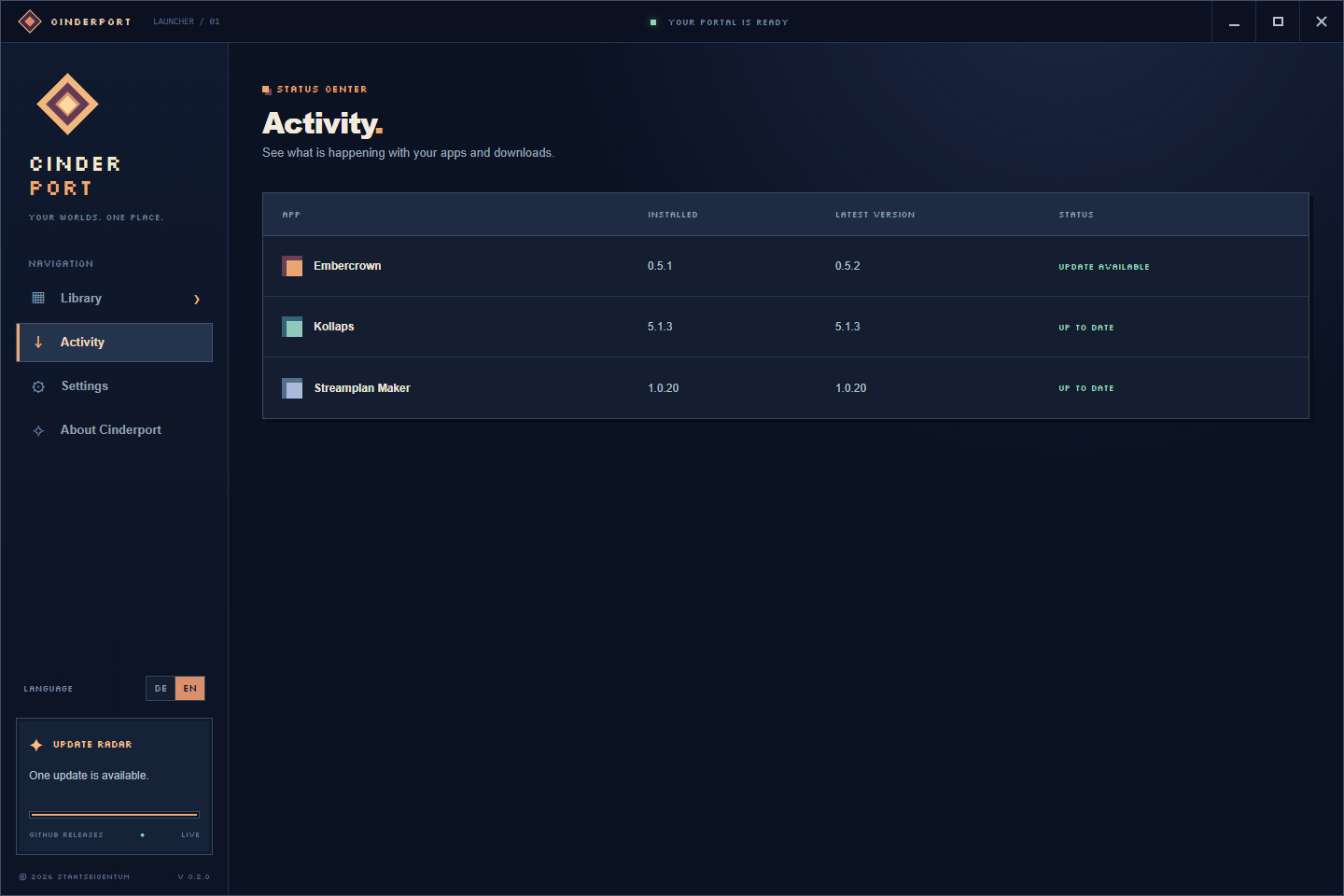
- Check installed apps and Cinderport at launch and every 30 minutes. New launcher versions download in the background and install when you close or restart Cinderport.
- Find an existing installation manually, repair or reinstall an app, and clear old installers from the download cache.
Make it yours
Choose from Cinderport, Embercrown, and Kollaps pixel-art themes. Switch to a compact library, reduce animations, favorite apps, search and sort the collection, or add launch arguments. Optional Windows startup, tray mode, notifications, and Do Not Disturb help Cinderport fit your routine. German and English are included; the launcher follows your Windows language when available and otherwise uses English.
Settings can be exported and imported. A diagnostic view helps you copy a report when something goes wrong. Stable and Beta update channels are available for the launcher.
Getting started
Download the latest Windows installer below, run it, and open Cinderport. Choose an app in the library to install it. Cinderport also detects supported apps already on your PC.
Platform: Windows x64. An internet connection is needed for downloads and update checks; installed apps remain launchable offline.
The Windows installer is currently unsigned, so Windows may identify the publisher as unknown.
Made by Staatseigentum. More games and tools will join the library over time.
Download
Install instructions
Download the latest Cinderport Windows installer below and run it on a Windows x64 PC. Choose your install folder, finish setup, then open Cinderport from the Start menu or desktop shortcut. Select an app in the library to install it. Cinderport also detects supported apps already on your PC.
The installer is currently unsigned; Windows may show an unknown-publisher warning.
Development log
- Cinderport 0.3.2 — A bigger home for every world18 days ago
Leave a comment
Log in with itch.io to leave a comment.